Editor
A focused C++ editor
A native Windows editor built for real C++ work: quick to open, clear to navigate, and designed to stay out of your way while you code.
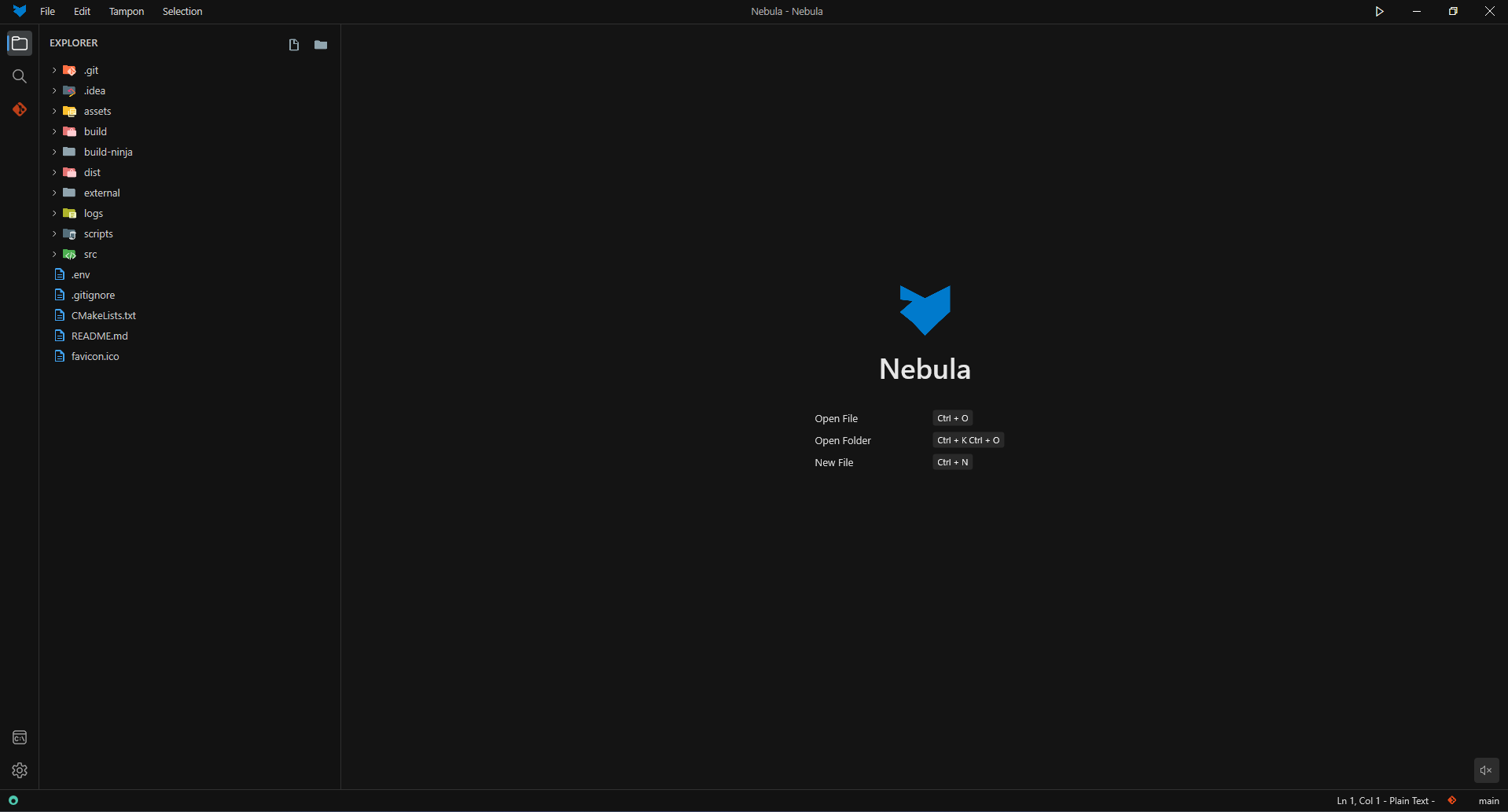
Built for Windows C++ developers who want a faster, lighter daily editor than bloated alternatives.
Nebula helps you code faster with less friction: fast startup, low memory use, search, git, terminal, and a focused C++ workflow without the usual bloat.
Features
Nebula is not trying to be everything. It focuses on the core tools that make a native Windows C++ setup feel fast, simple, and usable.
Editor
A native Windows editor built for real C++ work: quick to open, clear to navigate, and designed to stay out of your way while you code.
Navigation
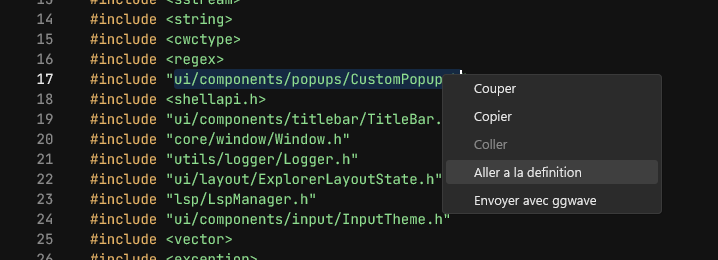
Move through files, symbols, and control flow quickly. Nebula is built to reduce friction in the everyday moments that slow C++ work down.
Search
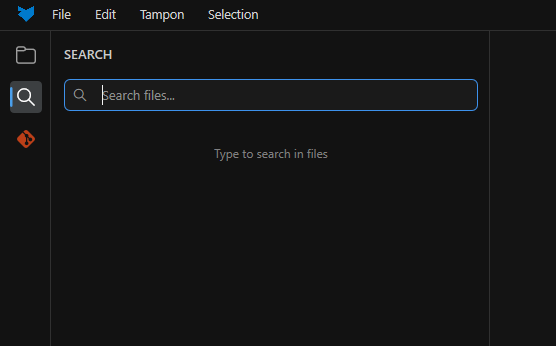
Find files, symbols, and text fast across the project so you can stay in flow instead of digging through menus or waiting on indexing.
Git
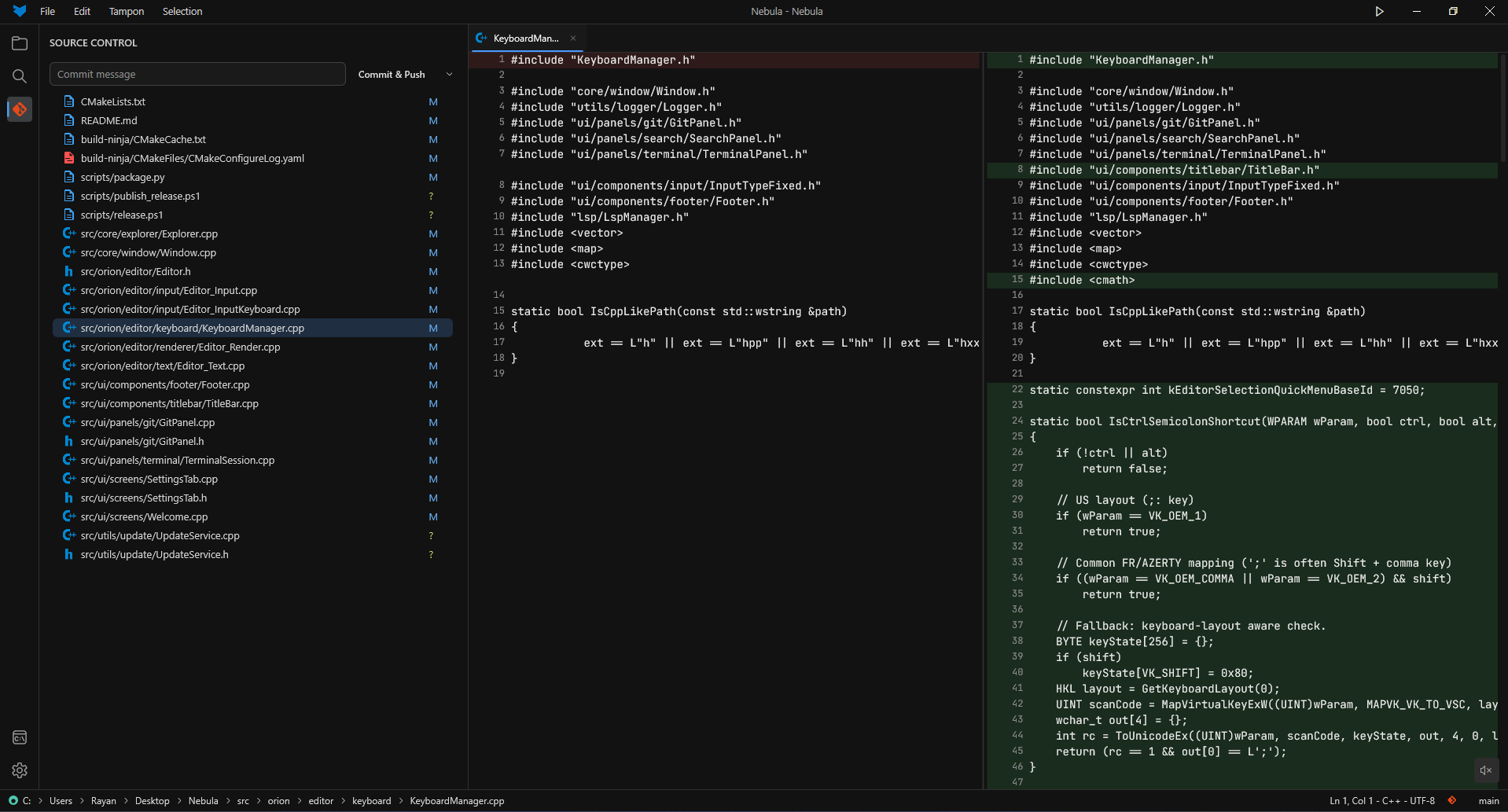
Inspect diffs and manage changes without breaking your rhythm. The git workflow is there when you need it, not bolted on as an afterthought.
Terminal
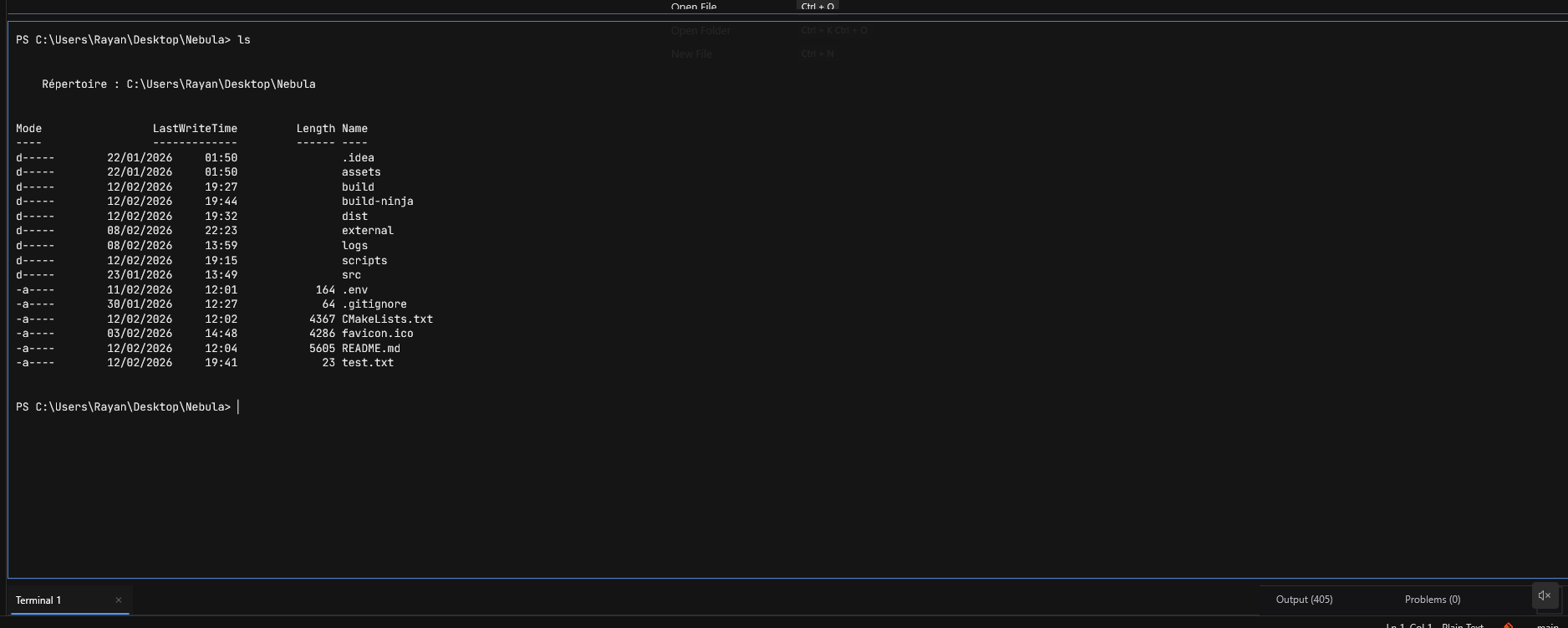
Build, run, and test without leaving the editor. The terminal is close at hand so your compile-run loop stays short and practical.
Build
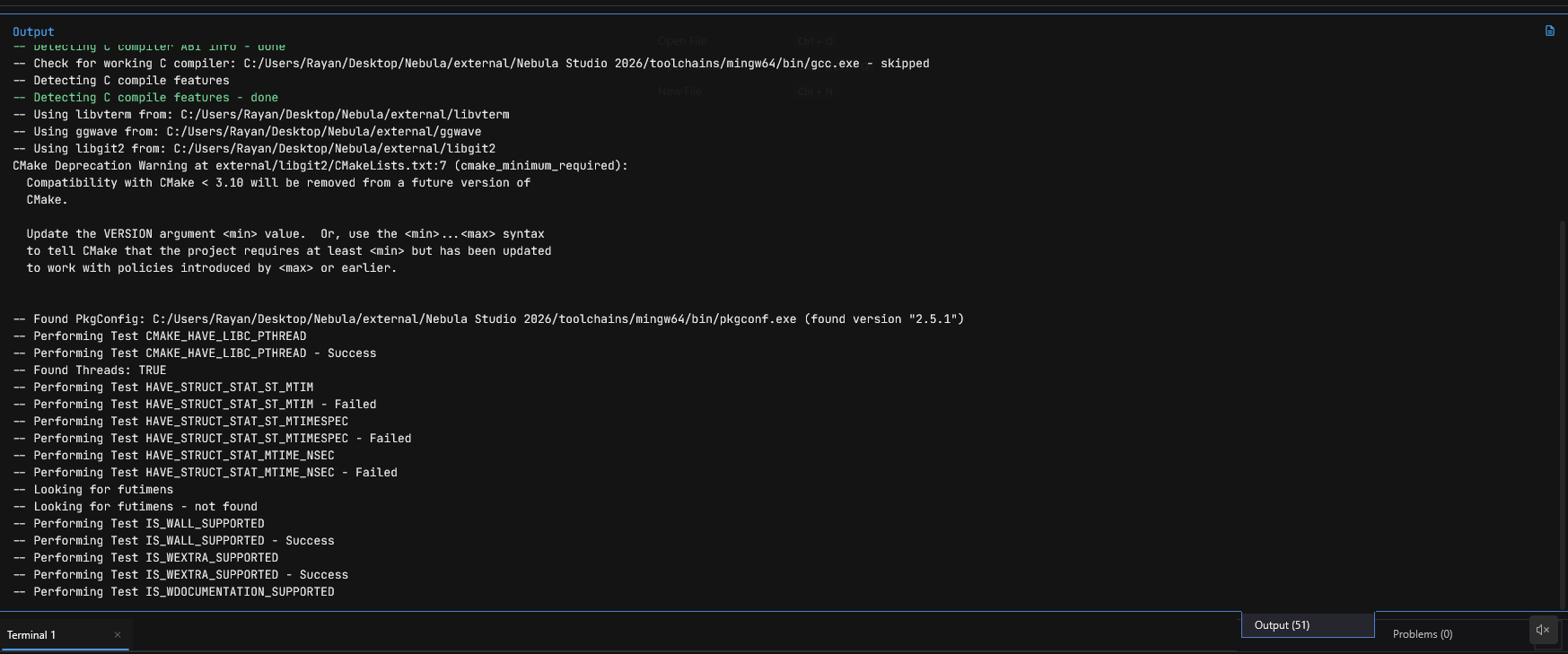
Ninja support helps keep build cycles short. Less waiting, less overhead, and more time spent actually shipping C++ code.
New feature
Nebula separates headers and source files into a clearer visual build map, so you can see compile cost, warnings, and file pressure without digging through opaque output.
Build map demo
Code Map split visualizing hotspots inside a C++ project
What you get during build analysis
Layout
Headers left, sources right
Per-file signal
Warnings, errors, compile cost
What stands out
Slow files and include pressure
Why it matters on real projects
Spot bottlenecks before touching the build system
See which files deserve refactors first
Replace noisy logs with a readable visual map
On larger C++ codebases, the value is immediate: heavy headers, slow translation units, and refactor candidates stop hiding inside long build output and start standing out visually.